Desktop Node Telemetry & Environment Walkthrough
An intensive 1-on-1 technical walkthrough guiding researchers and systems engineers through local node telemetry configuration, Prometheus metric scraping, and transaction flow analysis on desktop workstations.
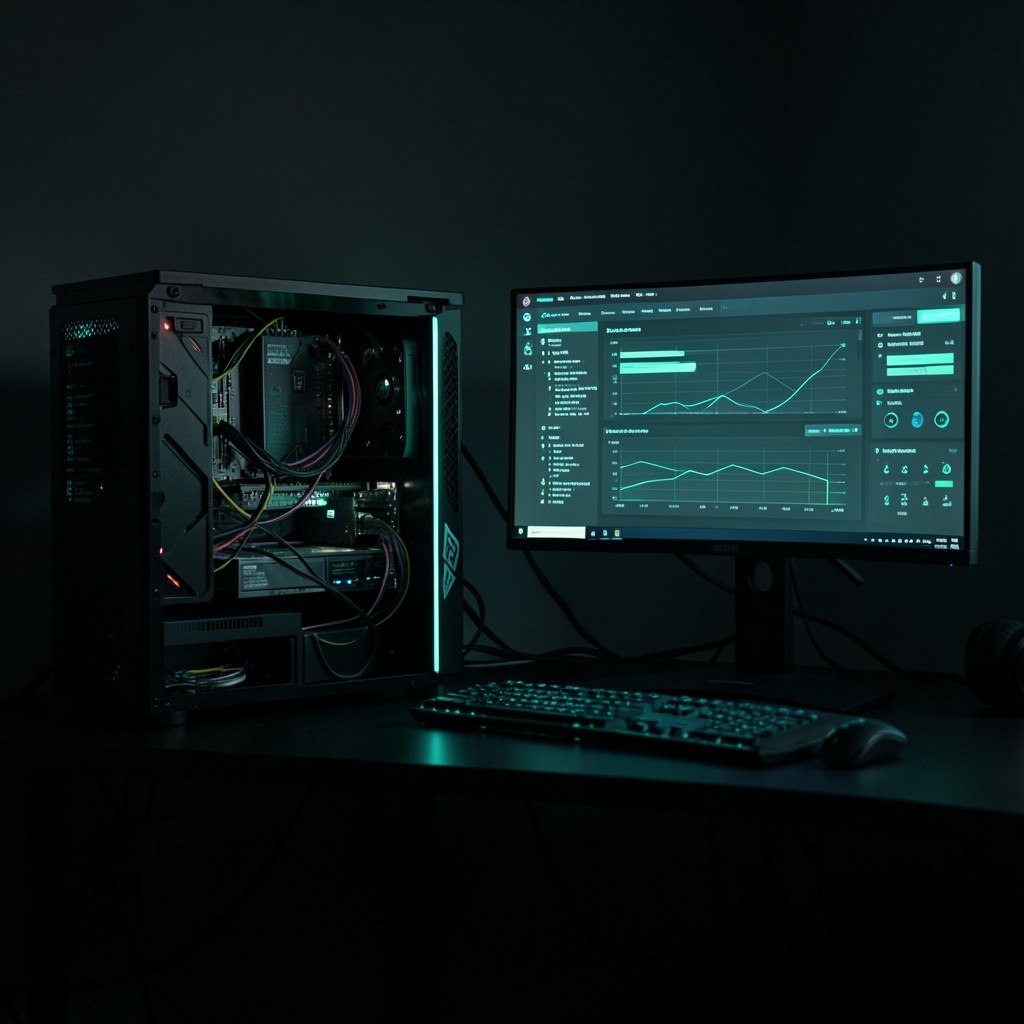
The Desktop Node Telemetry & Environment Walkthrough is our premier one-on-one educational engagement designed for software engineers, blockchain systems analysts, and infrastructure students who want to master the local operational telemetry of the Dime network.
Rather than relying purely on theoretical documentation, this guided walkthrough provides an active terminal-level study session. You will configure, monitor, and troubleshoot a dedicated read-only RPC snapshot node on a desktop environment, learning how high-throughput transactions flow across cluster leaders and validator vote pools.
Target Audience & Prerequisites
This session is engineered specifically for:
- Systems & DevOps Engineers seeking to understand ledger gossip protocols and RPC resource utilization.
- Academic & Independent Researchers analyzing cryptographic consensus timings, slot leadership, and finality metrics.
- Technical Students preparing for validator administration and distributed network benchmarking.
Participant Prerequisites:
- Working familiarity with the Unix terminal (Bash or Zsh).
- Basic understanding of TCP/IP networking, localhost port binding, and JSON-RPC APIs.
- A desktop workstation running Linux (Ubuntu 22.04+ or Debian 12+), macOS (Apple Silicon or Intel), or a virtualized Debian environment with at least 16 GB RAM.
Comprehensive Session Scope & Deliverables
During the 120-minute guided session, our lead instructor works directly with you through four progressive technical stages:
1. Workstation & Snapshot Configuration (30 Mins)
- Calibration of desktop filesystem I/O parameters and swap buffers for rapid ledger snapshot unpacking.
- Setting up the local CLI client environment with isolated keypairs and read-only cluster endpoints.
- Establishing systemd services or tmux session managers for continuous daemon execution.
2. Telemetry Ingestion & Prometheus Exporters (35 Mins)
- Hooking the node’s internal JSON-RPC and WebSocket event streams to Prometheus metrics scrapers.
- Configuring metric collectors for slot processing duration, transaction confirmation latencies, and gossip peer counts.
- Setting up Grafana visualization dashboards displaying real-time cluster health directly on your desktop monitors.
3. Transaction Flow & Gossip Cluster Tracing (35 Mins)
- Inspecting microsecond-level slot timestamps and Proof-of-History clock ticks in live terminal logs.
- Tracking how sample read-only transactions propagate through the Turbine tree structure across network validators.
- Analyzing bank forks, vote lockouts, and slot finalization transitions in real time.
4. Health Diagnostics & Security Isolation (20 Mins)
- Hardening the local workstation environment with strict firewall policies and RPC query restrictions.
- Diagnosing common desktop node bottlenecks such as RAM cache saturation, disk I/O thrashing, and NTP clock drift.
- Q&A session tailored to your specific research project or technical study objectives.
What Is Included in Your Session
- Live 120-Minute Technical Session: Direct one-on-one instruction with a dedicated distributed systems educator.
- Pre-Built Telemetry Configuration Pack: Ready-to-use Grafana dashboard JSON models, Prometheus scraper YAML configs, and shell automation scripts for your local machine.
- Session Recording & Notes: Full archival video of the walkthrough and markdown summary of all executed commands and configurations.
- 14-Day Post-Session Email Support: Direct asynchronous Q&A with our instructor to clarify any telemetry anomalies or setup questions encountered during your independent practice.
Session Logistics & Booking
- Location: In-person at our Hat Yai computing facility (Office 7, 76 Placeholder Road) or online via secure high-definition screen-sharing with bidirectional audio.
- Tuition: $290 USD per session (invoiced via standard bank transfer or educational purchase order prior to the confirmed appointment).
- Scheduling: Sessions are scheduled Monday through Saturday from 09:00 to 18:00 Indochina Time (ICT / UTC+7).
- Next Step: Submit an inquiry via our Contact Page indicating your timezone, preferred workstation OS, and primary study goals. Our team confirms availability within 24 business hours.
Schedule This Walkthrough
Submit your preferred date and time. Our team in Hat Yai will confirm workstation availability or generate your secure remote lab access credentials.