Configuring a Desktop Linux Rig for Local Ledger Analysis
Step-by-step architectural and operating system tuning guidance for engineers configuring desktop workstations to inspect, index, and monitor high-throughput distributed ledger state.
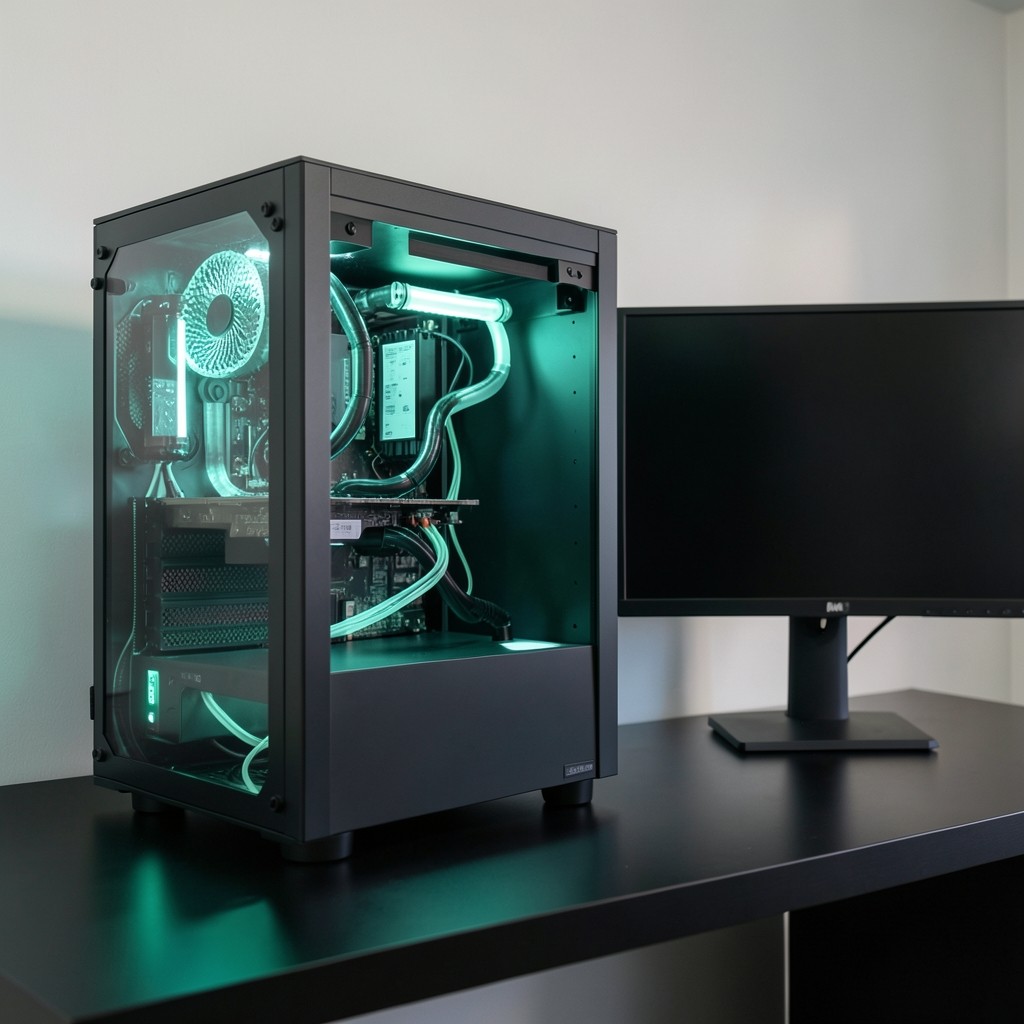
Analyzing high-throughput distributed ledger networks from a desktop computer requires understanding system resource bottlenecks. A continuous flood of transaction data, parallel instruction executions, and rapid disk write operations can quickly saturate under-provisioned workstations.
In this technical guide, we share the hardware guidelines and Linux kernel optimizations we utilize across our workstations at the Dime Desktop Research Lab in Hat Yai.
Minimum vs. Recommended Workstation Specifications
To maintain uninterrupted local RPC synchronization and prevent disk I/O bottlenecks during rapid snapshot extraction, we recommend the following hardware baselines:
- CPU: 8 Cores / 16 Threads minimum (e.g., AMD Ryzen 7 7700X or Intel Core i7-13700K). High single-core boost clock is critical for fast SHA-256 state verification.
- System Memory: 64 GB DDR5 minimum (128 GB strongly recommended for hosting uncompressed accounts databases in memory).
- NVMe Storage: Dedicated 2TB PCIe 4.0 or 5.0 NVMe SSD (separate from your OS drive) capable of at least 5,000 MB/s sustained sequential writes and 800k IOPS.
- Operating System: Linux (Ubuntu 24.04 LTS or Debian 12 recommended).
Linux Kernel & File Descriptor Optimization
Default Linux desktop kernel parameters are conservative and will restrict high-volume UDP gossip packets and parallel RocksDB file handles. Apply the following sysctl settings in /etc/sysctl.d/99-ledger-telemetry.conf:
# Increase system-wide file descriptor limits
fs.file-max = 1000000

# Increase maximum socket receive and transmit buffer sizes
net.core.rmem_max = 134217728
net.core.wmem_max = 134217728
net.core.rmem_default = 67108864
net.core.wmem_default = 67108864

# Optimize virtual memory page dirty ratios for fast NVMe writes
vm.dirty_background_ratio = 5
vm.dirty_ratio = 10
vm.swappiness = 10
Apply these settings immediately without restarting your workstation:
sudo sysctl --system
NVMe Filesystem Selection & Mount Options
For ledger storage drives, the ext4 filesystem with specific write-barrier and journaling optimizations provides superior stability and lower latency under sustained RocksDB append loads:
# Recommended /etc/fstab mount flags for dedicated ledger NVMe
UUID=xxxx-xxxx-xxxx /mnt/ledger-data ext4 noatime,nodiratime,data=writeback,barrier=0,nobh 0 2
Important Safety Note: Setting
barrier=0delivers maximum write throughput but should only be used on workstations connected to an Uninterruptible Power Supply (UPS) to prevent filesystem corruption during power loss.
Establishing Isolated Desktop Sandbox Environments
We recommend running local node daemons inside dedicated user namespaces or containerized Docker / Podman sandboxes. This prevents telemetry scrapers from accessing your primary user home directory or personal desktop credentials.
In our Desktop Security & Key Isolation Workshop, we provide automated initialization scripts that configure non-root systemd daemons and granular firewall rules in under five minutes.
Interested in Hands-on Exploration of These Concepts?
Put these architectural models into practice through our 1-on-1 desktop telemetry walkthroughs in Hat Yai or over our remote sandbox lab.
View Educational Programs